Ibo Player Pro – The Best General Media Player for M3U Streaming (2026)
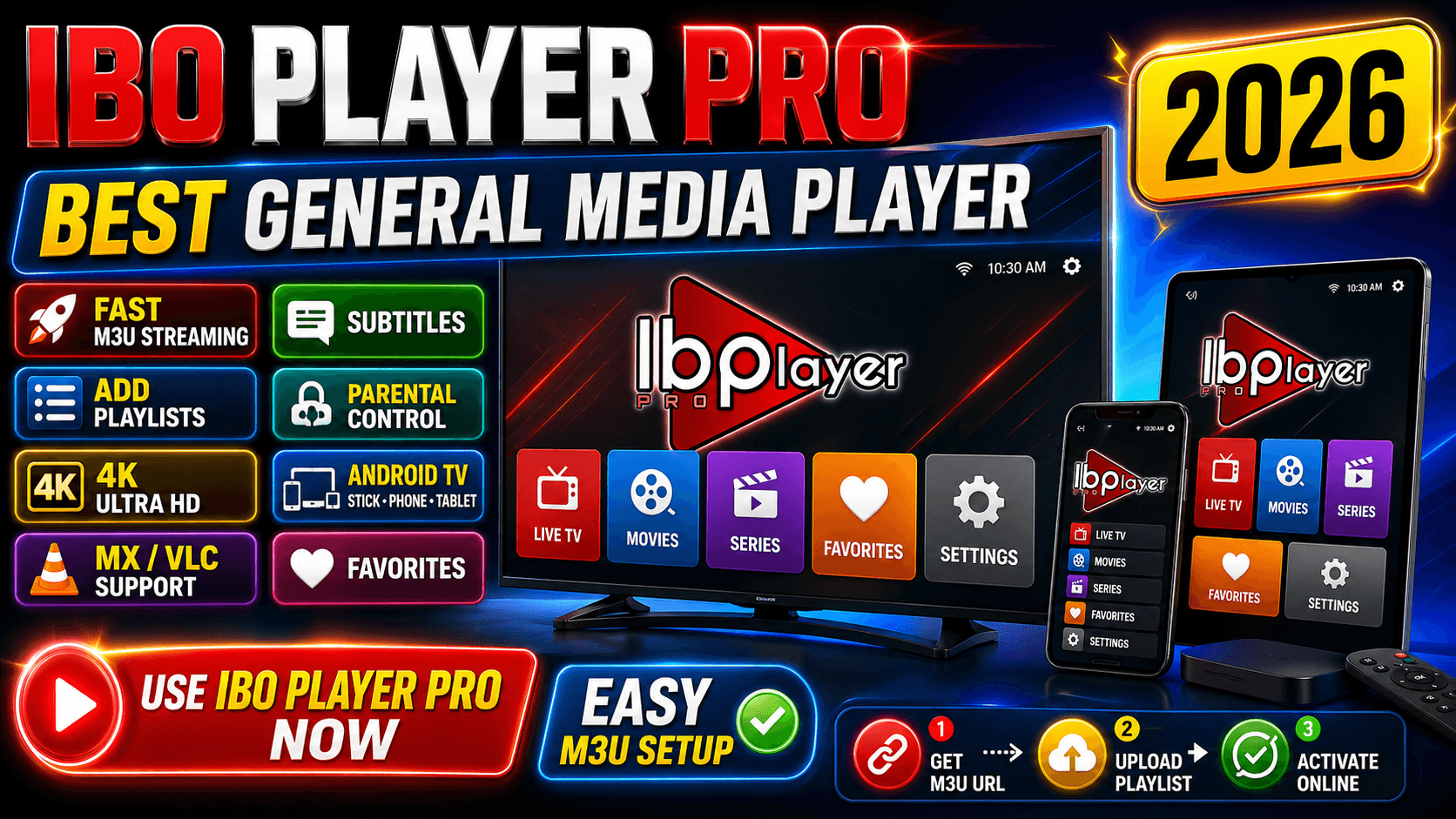
Ibo Player Pro is a professional M3U stream player that loads your M3U playlists and Xtream Codes credentials to play live TV channels, movies, and series in HD or 4K across Android TV, Amazon Firestick, iPhone, iPad, Apple TV, Roku, Samsung Smart TV, and LG Smart TV. Often described as the best M3U player available in 2026, Ibo Player Pro combines fast playlist loading, a clean remote-friendly UI, EPG support, multi-language audio, subtitles, and parental control in one cross-platform app.
Are you in search of a professional M3U player that quickly loads your M3U playlist and plays your favorite channels without glitches? Meet Ibo Player Pro — an M3U stream player that works for Android Smart TVs, Android sticks, smartphones, tablets, iOS, tvOS, Roku, Tizen, and webOS. With an advanced M3U engine, simple UI, and powerful playback controls, it is the smarter and easier way to enjoy TV shows, movies, sports, or anything you like, especially since Ibo Player Pro supports all screen resolutions including 4K Ultra HD.
This overview explains exactly what Ibo Player Pro is, how it compares with other popular M3U players such as IPTV Smarters Pro, TiviMate, GSE Smart IPTV, and Smart IPTV, which devices it runs on, and how the simple three-step activation works through iboproapp.com.
Table of Contents
What Is Ibo Player Pro?
Ibo Player Pro is a paid one-time-fee M3U media player optimized for fast streaming of M3U URLs, M3U playlist files, and Xtream Codes credentials. It is a media player only — it does not provide channels, movies, or content. You bring your own legal playlist from your IPTV provider, and Ibo Player Pro plays it on the device of your choice.
The player is published as “Ibo Pro Player” on app stores and connects to iboproapp.com for device registration and playlist upload. Each device gets a unique Device ID and Device Key on first launch, which you enter on the website to activate the app and link your M3U content.
Real-world usage is simple: install the app from the official store of your platform, copy the Device ID and Device Key shown on the welcome screen, register on iboproapp.com, and restart the app to start streaming — usually within 5 minutes.
Key Features of Ibo Player Pro
Ibo Player Pro is optimized for fast M3U streaming. The player loads your playlists smoothly and lets you watch content in the highest quality without the lags or glitches commonly found in similar M3U apps.
- Fast M3U streaming engine — loads large playlists with thousands of channels in seconds
- Simple, intuitive UI designed for TV remotes and touch screens
- Supports all screen resolutions including 4K Ultra HD
- Easy streaming of M3U URLs, M3U files, and Xtream Codes credentials
- Movie and series details: release date, plot, cast, trailer, and ratings
- Add channels, movies, and series to favorites
- Compatible with MX Player, VLC, and the built-in Fast Streaming engine on Android
- Multi-language audio selection on movies and series
- Subtitles in movies and series
- Built-in parental control
- EPG (Electronic Program Guide) support for live channels
- Cross-device activation with a one-time fee per device
Which Devices Support Ibo Player Pro?
Ibo Player Pro runs on every major streaming platform in 2026, making it one of the most versatile M3U players you can install. Below is a complete list of supported devices and the recommended install method on each.
| Device / Platform | Operating System | Recommended Install Method |
|---|---|---|
| Android phones & tablets | Android 6+ | Google Play Store |
| Android TV / Android sticks / Android boxes | Android TV 8+ | Google Play Store |
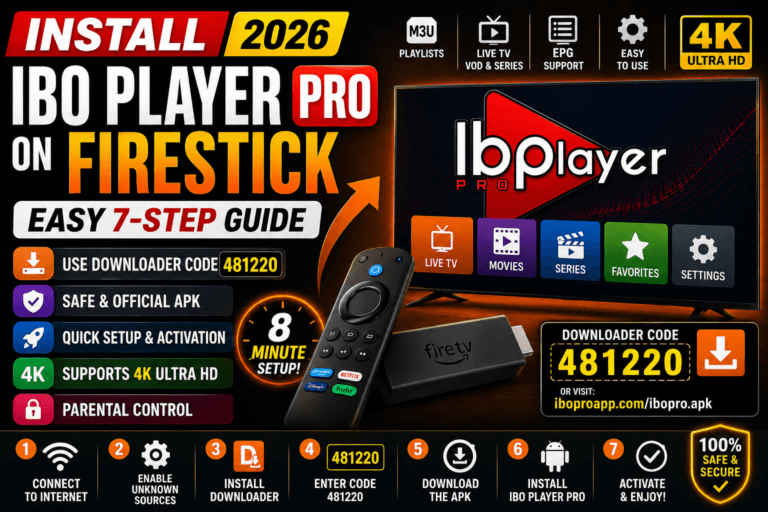
| Amazon Firestick / Fire TV / Fire TV Cube | Fire OS 6+ | Downloader app (code 481220) |
| iPhone / iPad | iOS / iPadOS 14+ | Apple App Store |
| Apple TV HD / Apple TV 4K | tvOS 14+ | tvOS App Store |
| Roku TV / Roku Stick / Roku Box | Roku OS 9.4+ | Roku Channel Store (or screen mirroring) |
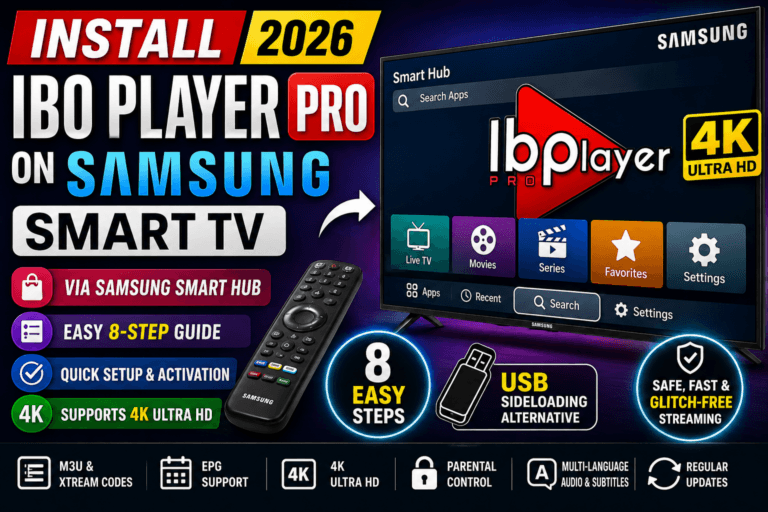
| Samsung Smart TV (2017+) | Tizen OS 4.0+ | Samsung Smart Hub |
| LG Smart TV (2017+) | webOS 4.0+ | LG Content Store |
For step-by-step install guides on every platform, see our complete tutorials library.
How Do I Use Ibo Player Pro?
Setup takes only three steps because Ibo Player Pro is a media player — you bring your own M3U playlist. The activation flow is identical on every supported platform.
- Get an M3U URL or playlist from your IPTV provider. Ibo Player Pro does not sell or supply content. You can also use Xtream Codes credentials (server URL, username, password) instead of an M3U URL.
- Upload your playlist on iboproapp.com. Open the Ibo Player Pro app on your device, note the Device ID and Device Key, then visit iboproapp.com to register the device and upload your M3U URL, M3U file, or Xtream Codes.
- Activate your account via the website. Pay the small one-time activation fee (approximately $5.99 per device), then restart the Ibo Player Pro app on your TV, phone, or stick. Your channels, movies, and series will load automatically.
Why Choose Ibo Player Pro Over Other M3U Players?
Ibo Player Pro stands out because of its rare combination of cross-platform availability, fast M3U engine, and rich VOD metadata. Here is how it compares against the most popular alternatives.
| Feature | Ibo Player Pro | IPTV Smarters Pro | TiviMate | GSE Smart IPTV |
|---|---|---|---|---|
| Price model | One-time ~$5.99 per device | Free | Free / $19.99 Premium | Free / Paid Pro tier |
| Android TV / Firestick | Yes | Yes | Yes | Limited |
| iPhone / iPad | Yes | Limited | No | Yes |
| Apple TV (tvOS) | Yes | Limited | No | Yes |
| Roku | Yes (region dependent) | Limited | No | Limited |
| Samsung Tizen | Yes | Limited | No | No |
| LG webOS | Yes | Limited | No | No |
| Xtream Codes | Yes | Yes | Yes | Yes |
| EPG | Yes | Yes | Yes (best in class) | Yes |
| Parental controls | Yes | Yes | Premium only | Yes |
| Best for | Cross-device M3U streaming with rich metadata | Multi-platform users | Power users on Android TV | iOS-first users |
The key advantage: Ibo Player Pro covers more platforms than any single competitor, with a unified activation flow on iboproapp.com that works the same on Apple TV, Firestick, Samsung, LG, and Android.
Where Can I Download Ibo Player Pro?
Ibo Player Pro is distributed through the official app store of each platform. Always download from the official source to avoid clones and malware.
- Android & Android TV: Google Play Store
- iOS & tvOS: Apple App Store
- Amazon Firestick: Downloader app with official code 481220 — see our Firestick install guide
- Roku TV / Stick / Box: Roku Channel Store — see our Roku install guide
- Samsung Smart TV: Samsung Smart Hub — see our Samsung TV install guide
- LG Smart TV: LG Content Store — see our LG TV install guide
- Apple TV: tvOS App Store — see our Apple TV install guide
- Official Website: iboproapp.com
Common Issues and How to Fix Them
If something is not working as expected, one of these three fixes resolves the vast majority of issues across every platform.
Why Won’t Ibo Player Pro Load My Channels?
The most common cause is an expired or wrongly typed M3U URL. Re-check the playlist on iboproapp.com, remove any extra spaces, save, then exit and reopen the app twice. Confirm with your IPTV provider that your subscription is still active.
Activation Keeps Failing on iboproapp.com
Disable any VPN during the registration step, type the Device ID and Device Key exactly as shown on your TV (case-sensitive), and complete payment. Capital “I” and lowercase “L” can look identical — copying from the screen photo is safer than retyping.
The Stream Is Buffering or Lagging
Use Ethernet on TV-class devices (Apple TV 4K, Roku Ultra, Firestick 4K, Android TV) for the most reliable 4K streaming. On phones and tablets, switch to a 5GHz Wi-Fi network. If your ISP throttles streaming, a low-overhead WireGuard-based VPN often resolves peak-hour buffering.
Frequently Asked Questions
What is Ibo Player Pro?
Ibo Player Pro is a professional M3U stream player that loads your M3U playlists and plays live TV, movies, and series in HD or 4K on Android TV, Firestick, iPhone, iPad, Apple TV, Roku, Samsung Smart TV, and LG Smart TV.Is Ibo Player Pro the best M3U player in 2026?
Ibo Player Pro is widely rated as one of the best M3U players in 2026 thanks to its fast playlist loading, clean UI, broad device support, 4K compatibility, EPG, multi-language audio, subtitles, and parental control.How much does Ibo Player Pro cost?
Ibo Player Pro requires a small one-time activation fee of approximately $5.99 per device on iboproapp.com. There are no monthly subscriptions from the player itself.Which devices support Ibo Player Pro?
Ibo Player Pro supports Android phones and tablets, Android TV, Android sticks and boxes, Amazon Firestick, iPhone, iPad, Apple TV, Roku TV/Stick/Box, Samsung Smart TV (Tizen OS), and LG Smart TV (webOS).Does Ibo Player Pro support Xtream Codes?
Yes. Ibo Player Pro supports both M3U URLs/playlist files and Xtream Codes API credentials with full support for live channels, VOD, and series metadata.Does Ibo Player Pro provide TV channels or content?
No. Ibo Player Pro is only a media player. It does not provide, sell, or supply any channels, movies, or content. Users must obtain legal M3U playlists from licensed providers.How do I activate Ibo Player Pro?
Open Ibo Player Pro on your device, copy the Device ID and Device Key, visit iboproapp.com to register, upload your M3U playlist or Xtream Codes credentials, complete the small activation fee, then restart the app.Does Ibo Player Pro support 4K streaming?
Yes. Ibo Player Pro supports all screen resolutions including 4K Ultra HD on compatible Android TV, Firestick 4K, Apple TV 4K, Roku 4K models, Samsung 4K TVs, and LG 4K TVs.
Legal Disclaimer
Ibo Player Pro does not provide, sell, or supply any TV channels, movies, series, or content of any kind. It is strictly a media player that plays your own M3U lists. Users are solely responsible for using legal M3U playlists obtained from licensed providers and for complying with the broadcasting, streaming, and copyright laws applicable in their country or region. We do not host, distribute, or endorse any copyrighted content, and we are not affiliated with any IPTV service provider.
Conclusion
If you are looking for the best M3U player in 2026, Ibo Player Pro stands out for one simple reason: it works the same way on every device you own. Whether you stream on a phone during your commute, on a Firestick in the bedroom, on Apple TV in the living room, or on a Samsung or LG Smart TV, the activation flow, UI, and feature set are identical.
Pair Ibo Player Pro with a clean M3U playlist from a reputable provider, an Ethernet or 5GHz Wi-Fi connection, and a 4K-capable device, and you will have one of the smoothest IPTV experiences possible — without monthly fees from the player itself.
Need a step-by-step setup guide for a specific device? Browse our complete tutorials library, visit our help center, or read our privacy policy and terms of service.
Use Ibo Player Pro now – the best general media player for M3U streaming in 2026.
- Visit Website: https://iboproapp.com/
- Ibo Player Pro for Android: Google Play
- Ibo Player Pro for iOS & tvOS: App Store
- Firestick Downloader Code: 481220
Related tutorials

Need help? Browse all guides or chat with our team